


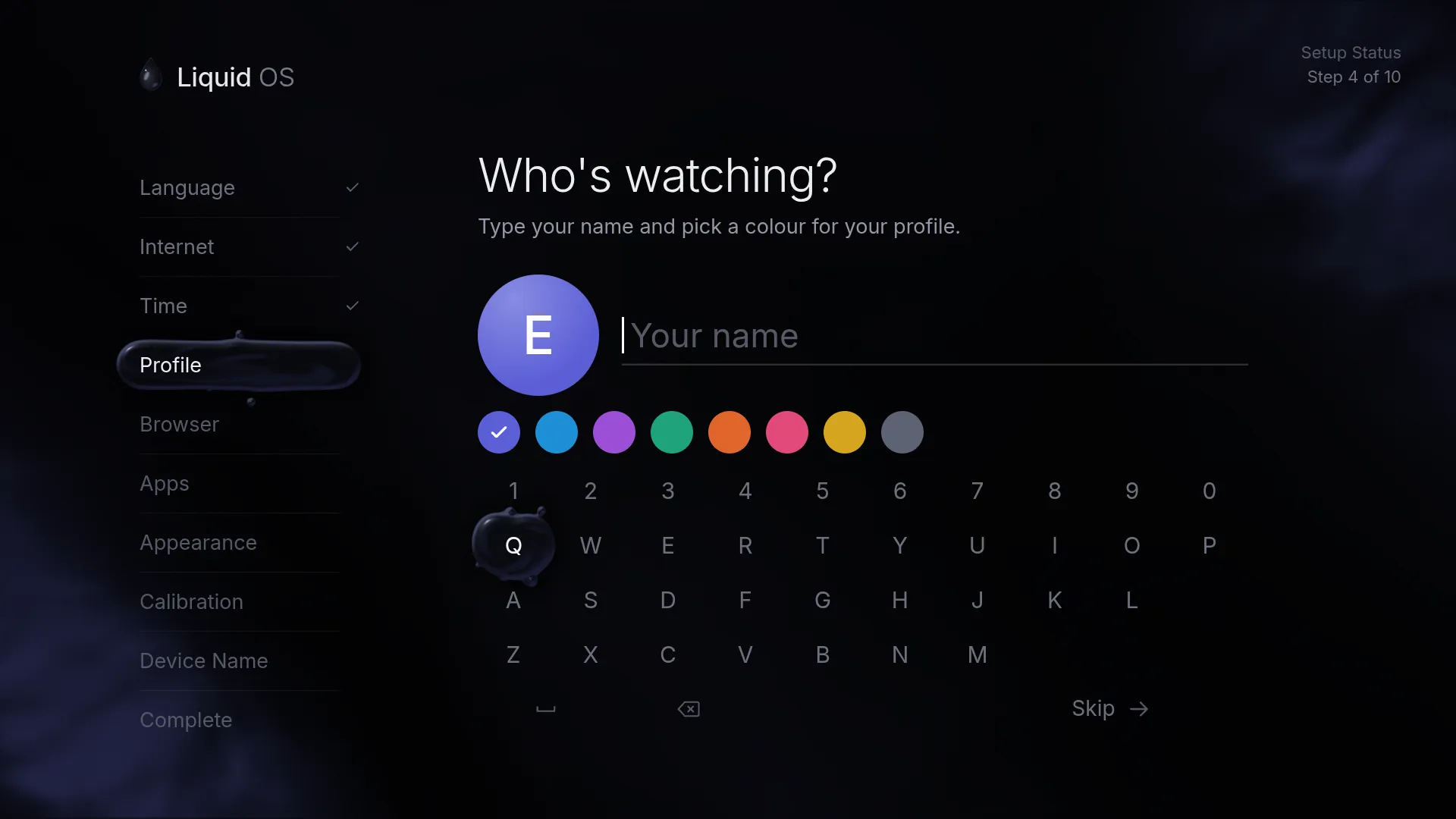
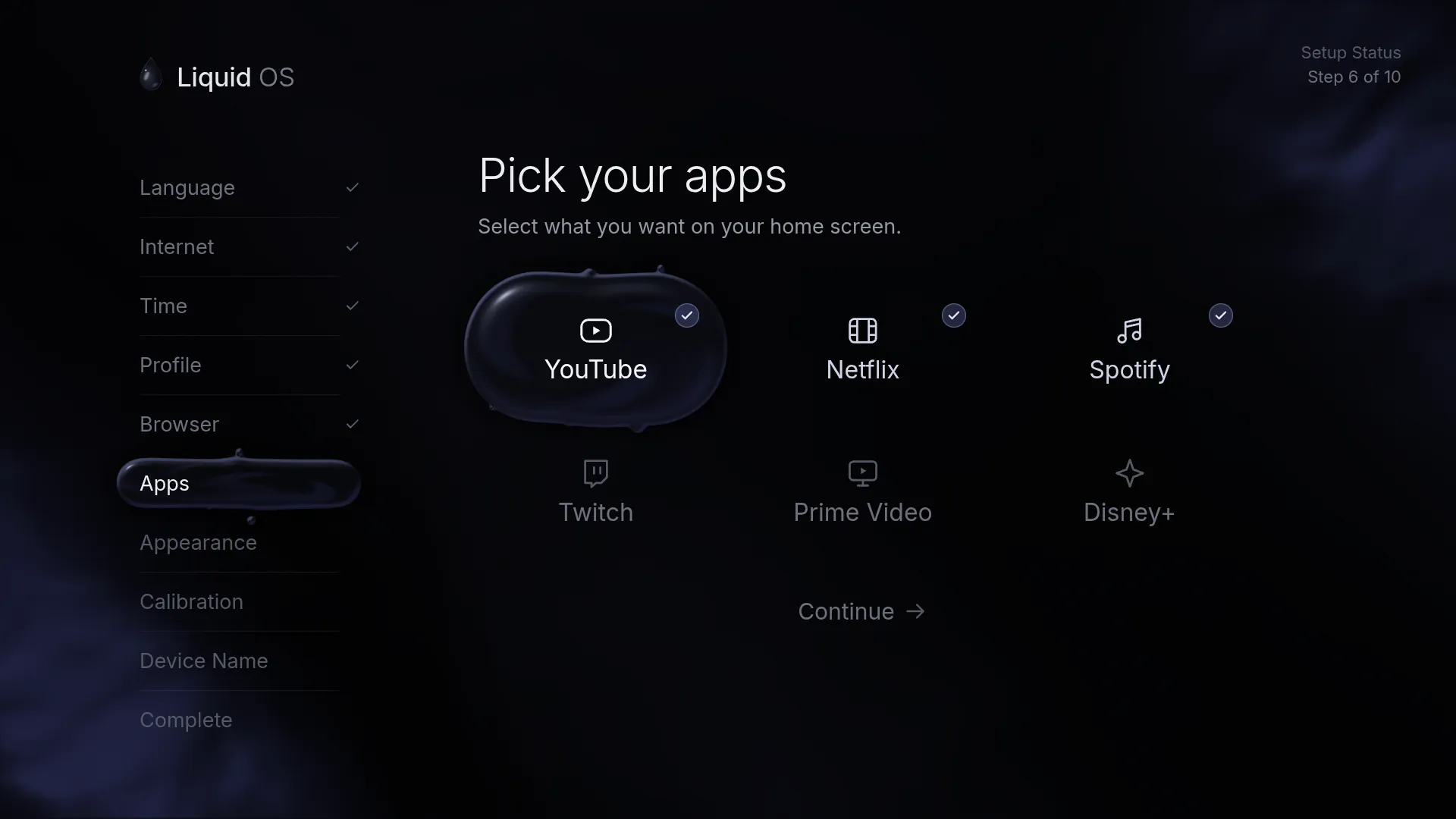
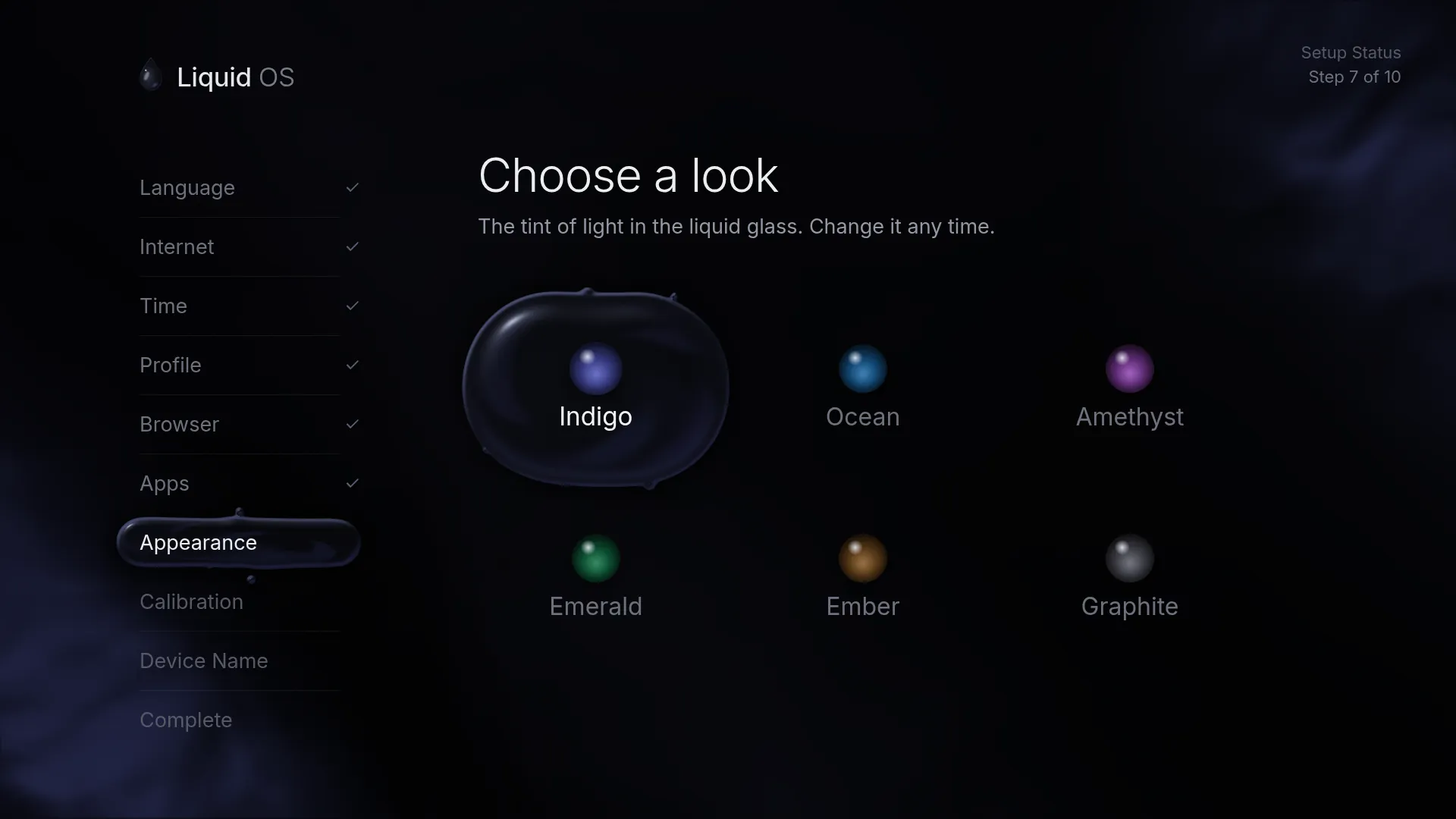
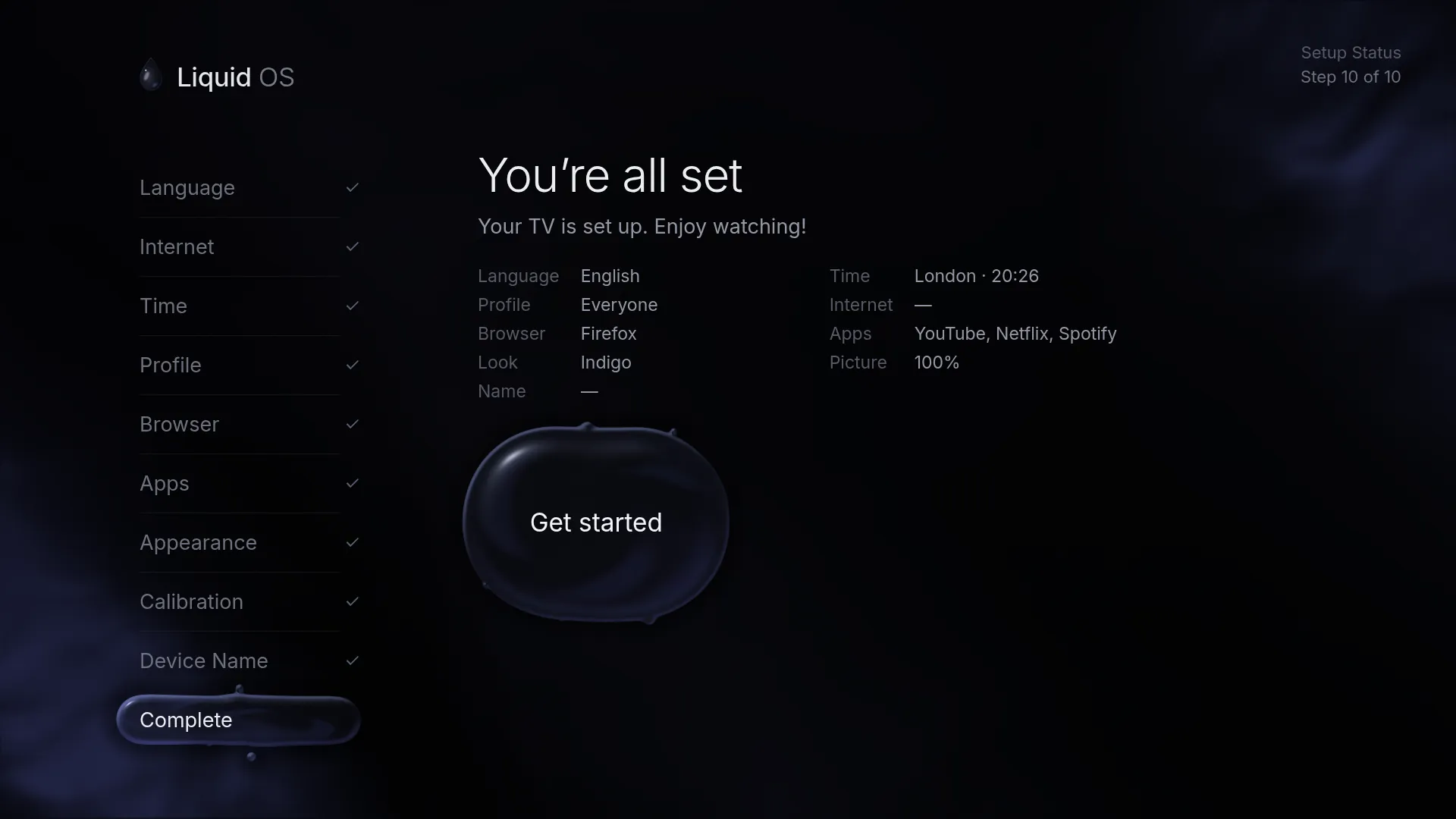
Profiles
Up to eight. With two or more, “Who's watching?” opens first.
Liquid OS
0%
The TV operating system that flows. It boots straight into a dark liquid-glass interface, and you drive it with a remote, a gamepad, a keyboard or a mouse.
Stable · Version — · Open source
From the glossy drop that falls into still ink when you switch on, to the last one that drains away when you switch off — every moment on screen is animated.
First start
Home
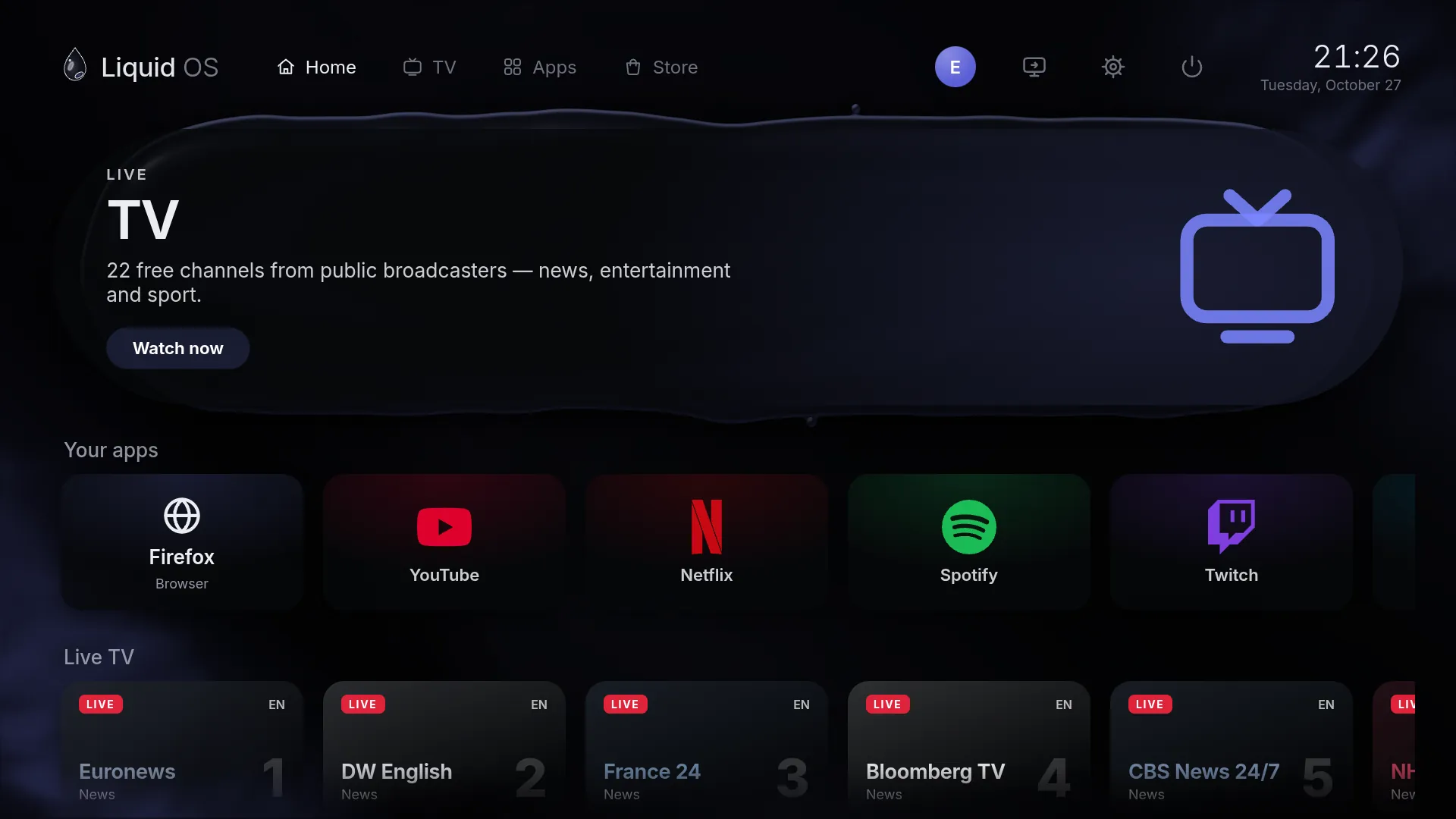
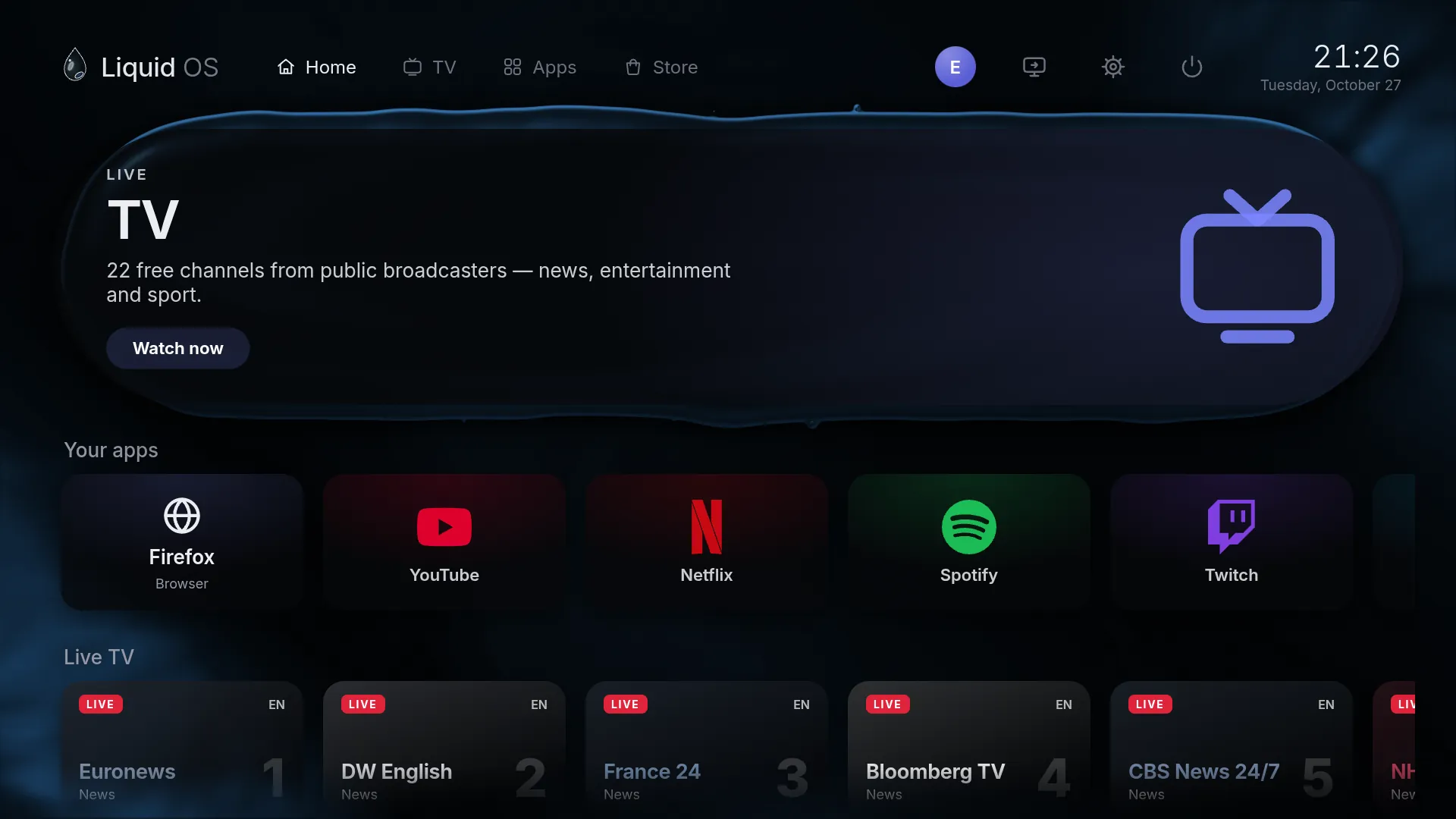
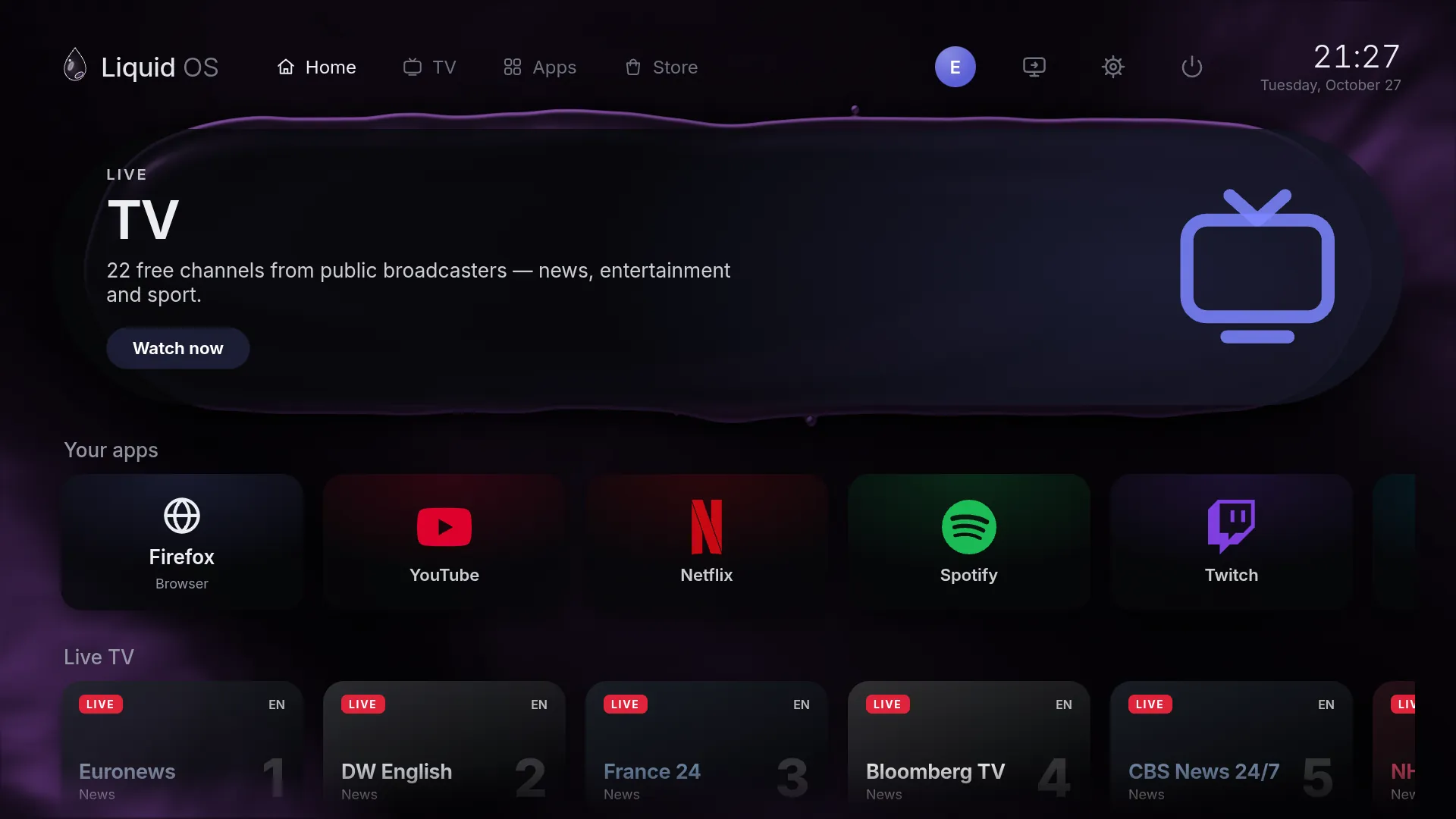
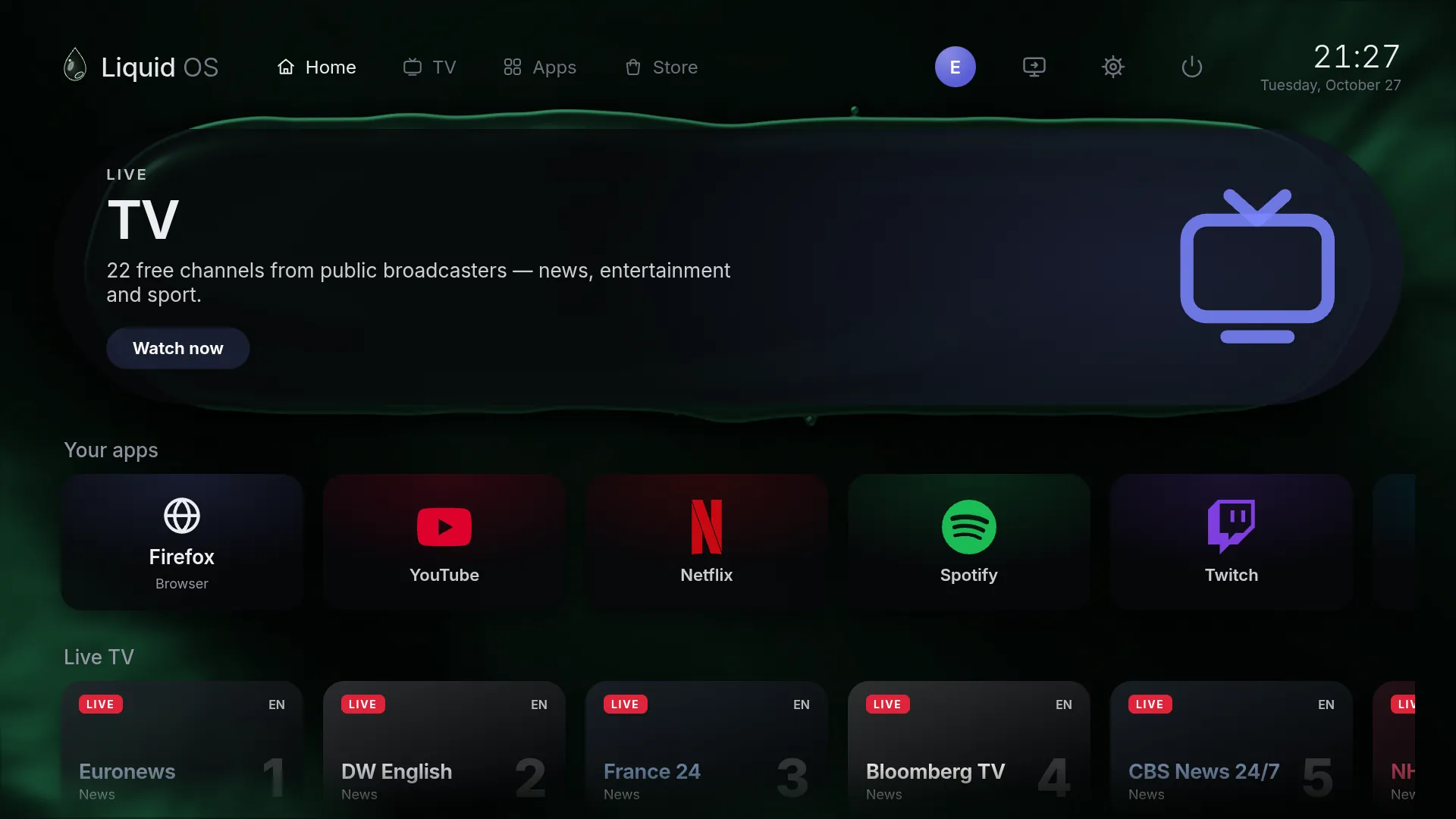
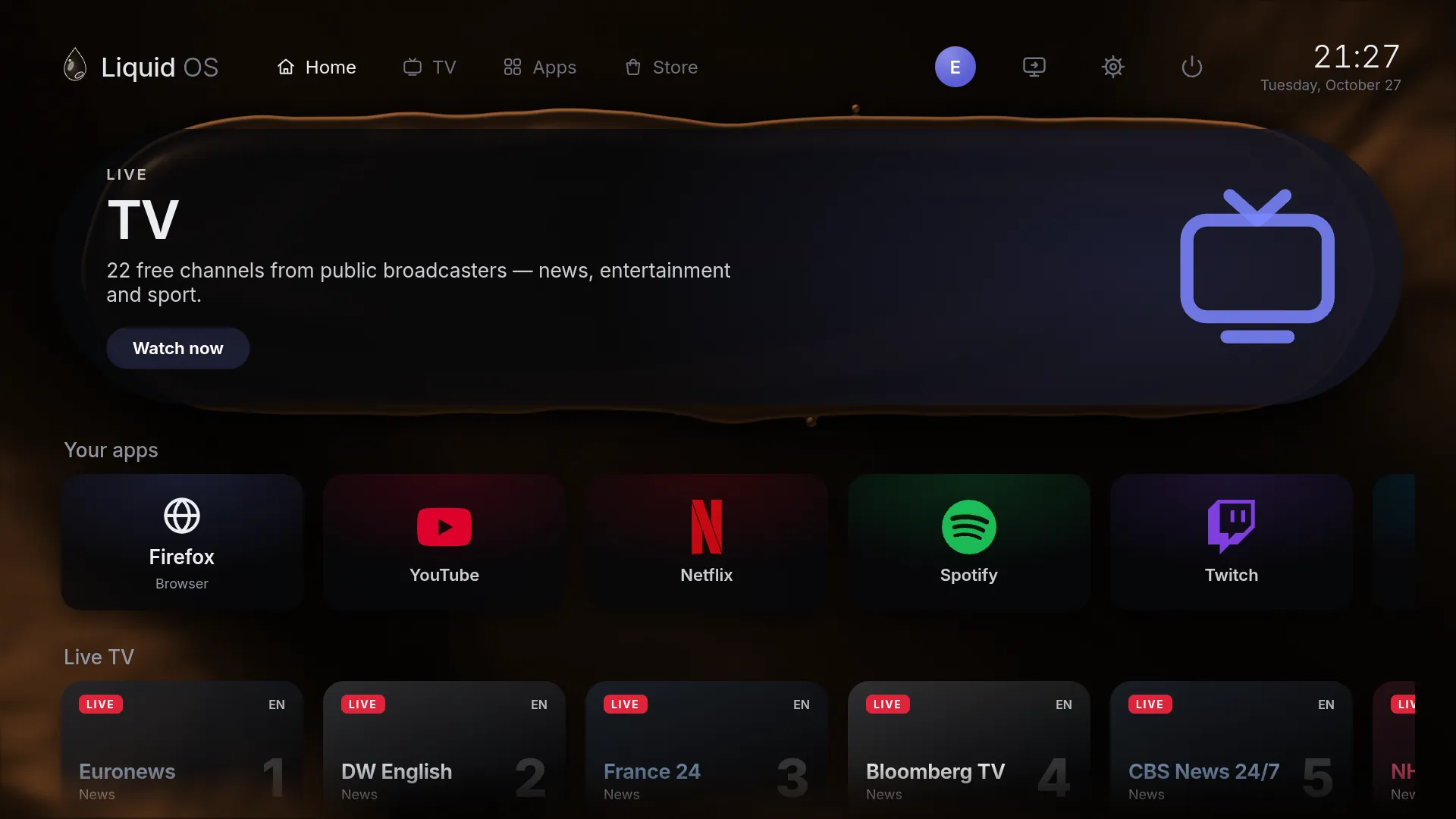
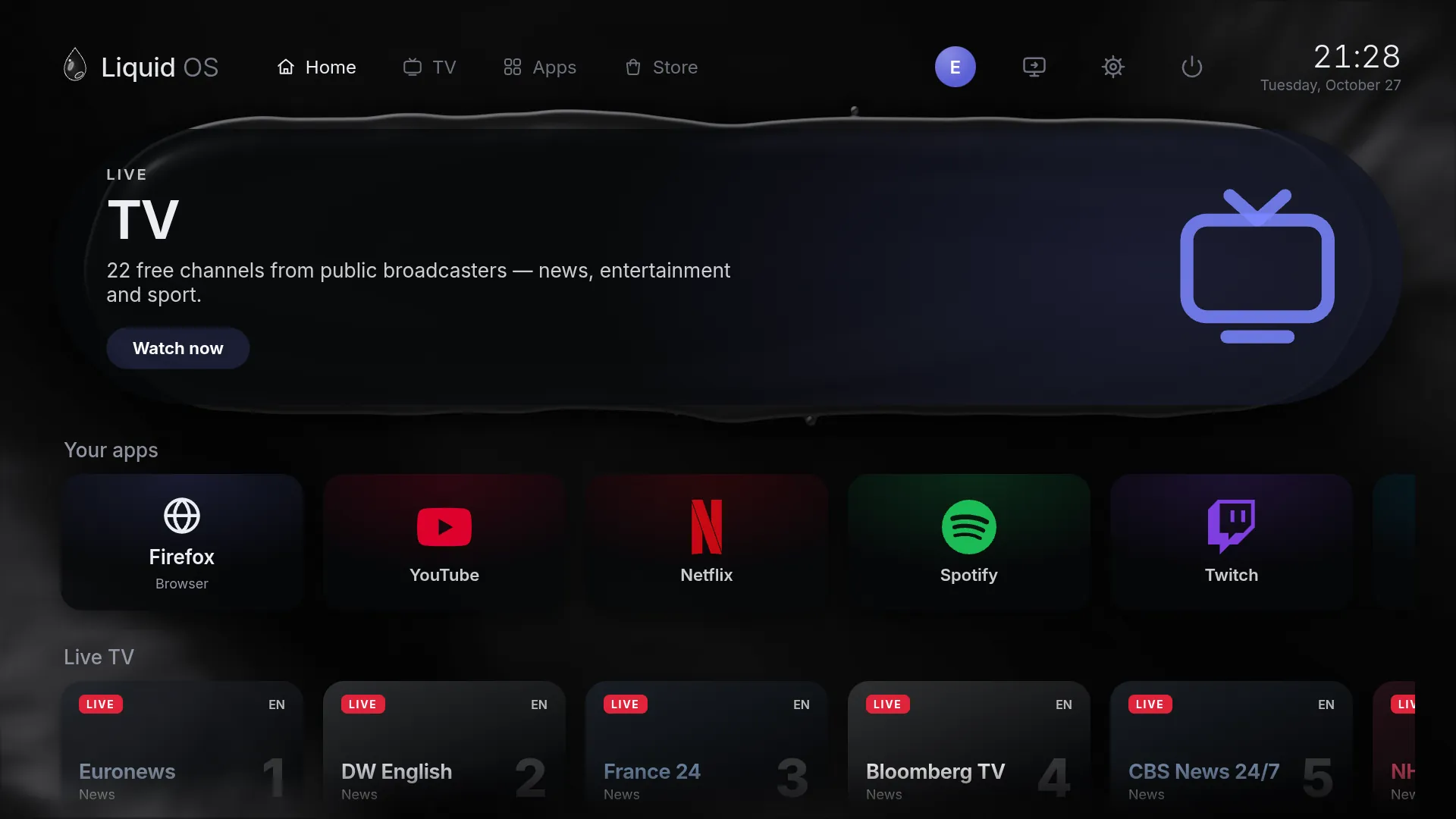
Everything on one calm screen. A featured banner, then rows that scroll sideways — your apps, live TV and picks from the Store.
Featured
Always something on. Live TV, a Store pick or one of your apps — the banner changes every few seconds.
Your apps
Dark glass tiles. Each app's logo in its own colour. Opening one floods the screen with liquid until the app appears.
Live TV
Channels, right on the home screen. Euronews, DW, France 24, NHK World and more, playing inside the interface.
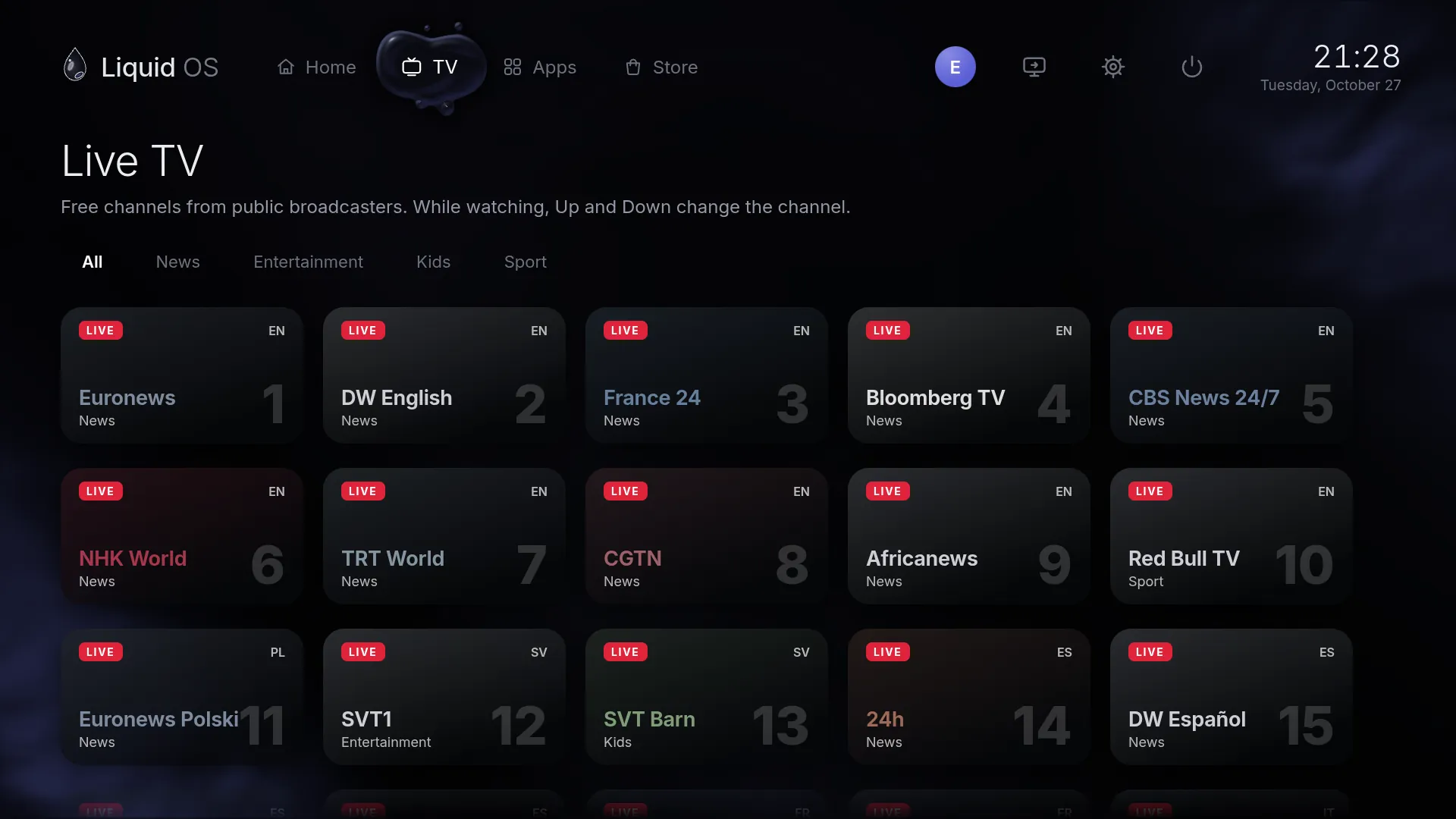
Live TV
The broadcasters' own public streams — news, entertainment, kids and sport — in your language first. Up and Down change the channel, like any TV.
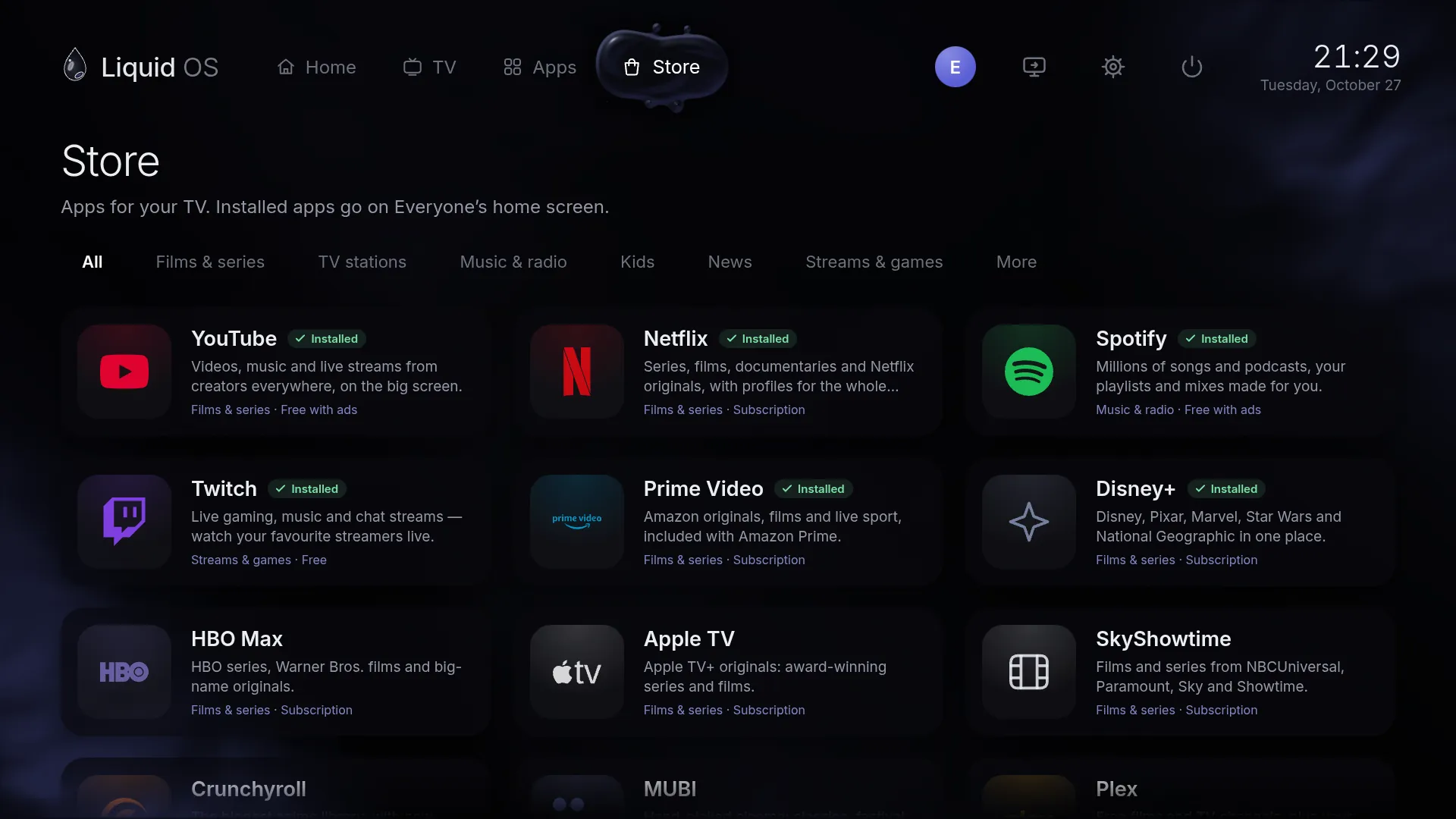
Store
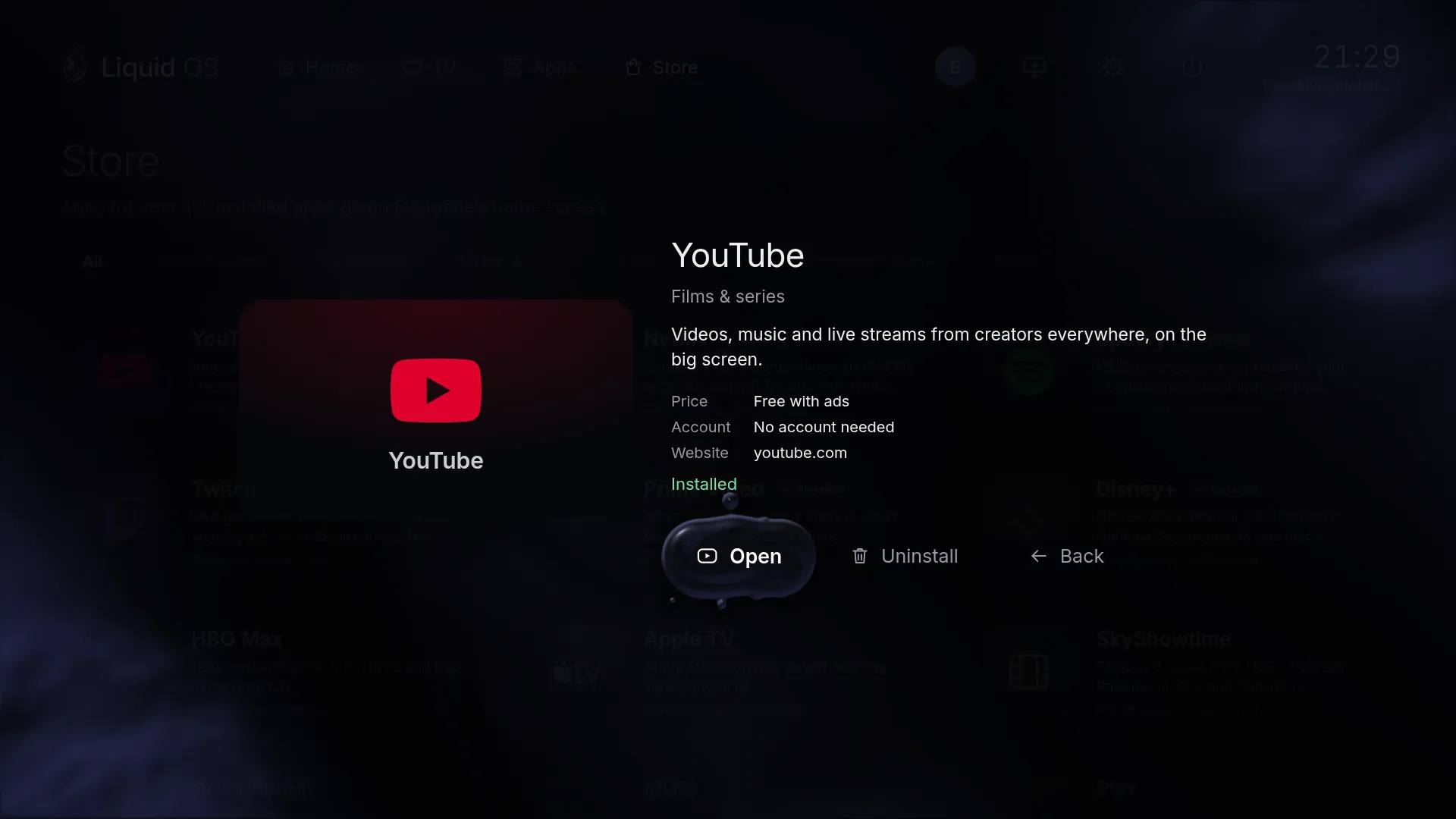
Films and series, TV stations, music and radio, kids, news, streams and games. Every card says what it costs and whether you need an account.
Appearance
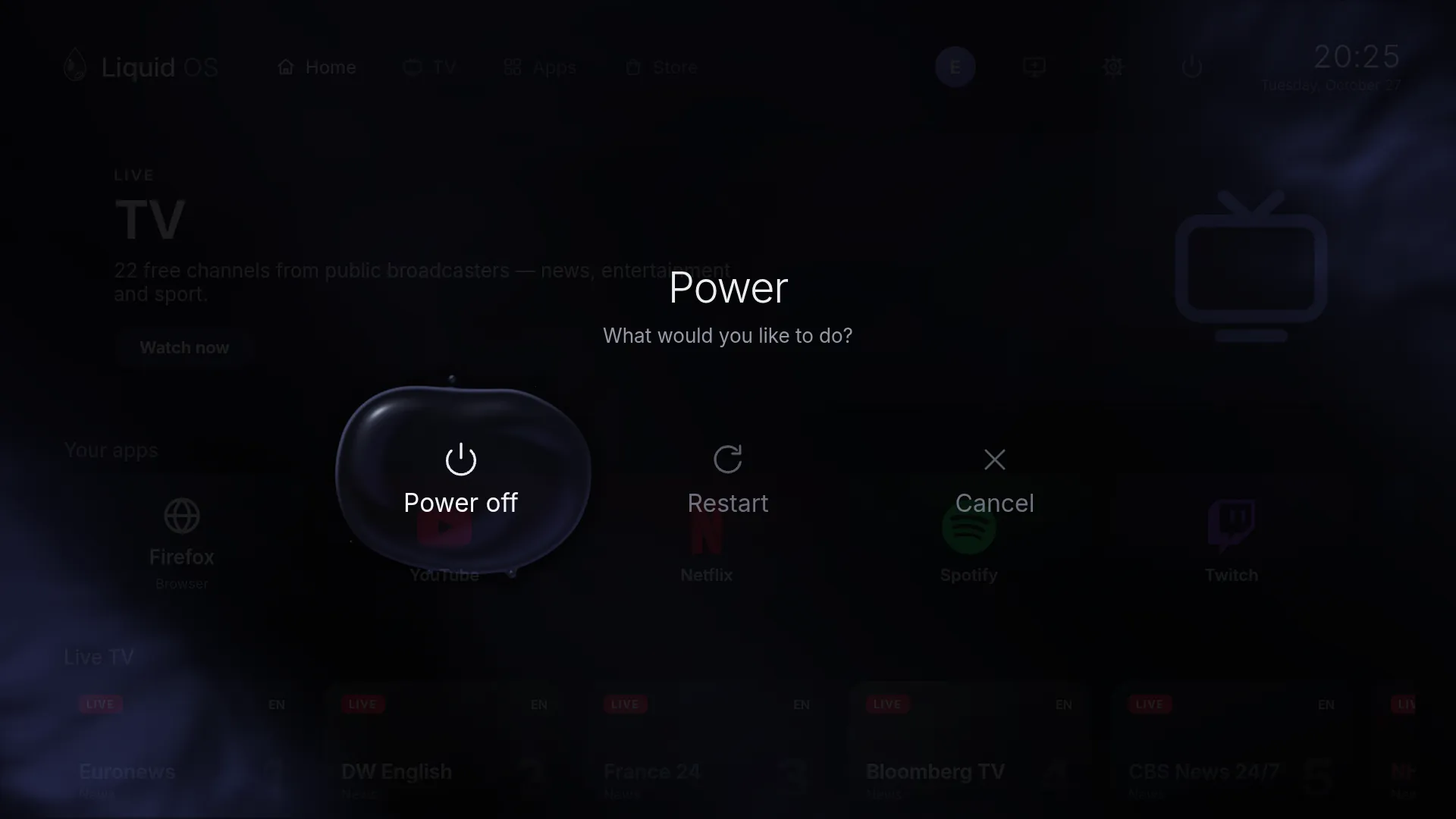
Power
Power off and everything drains into one falling drop.
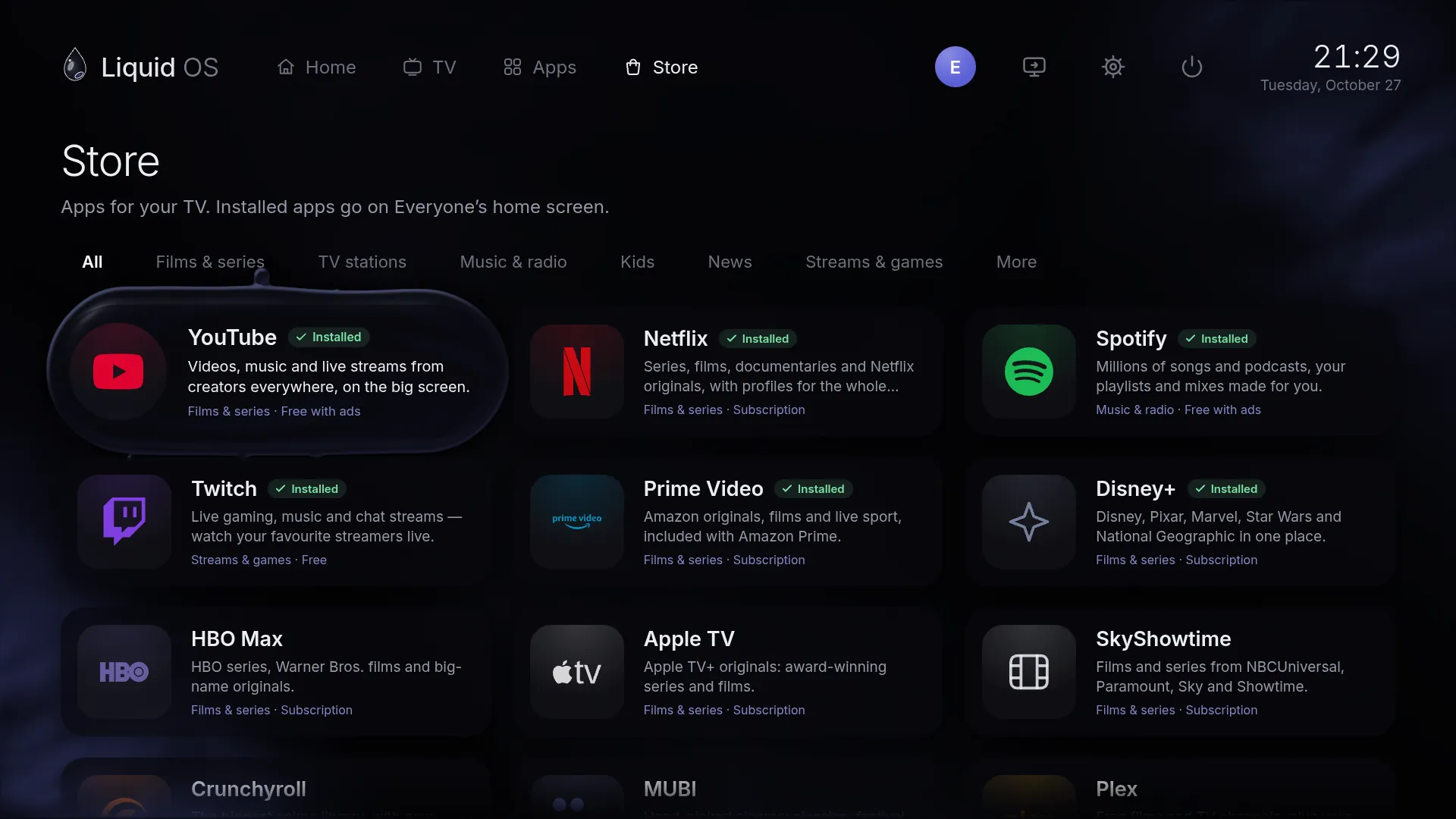
Focus
No grey boxes. One round drop shows where you are — it stretches as it moves, sheds tiny droplets and melts into whatever you land on.
Try it — hover the tiles, or use ← →
Control
IR, Bluetooth or RF — or the TV's own remote over HDMI-CEC.
D-pad or stick to move, A to select, Guide to go home.
Arrows, Enter and Esc. A tap of the Windows key leaves any app.
The pointer shows up when you move it and hides when you don't.
| Action | Remote | Keyboard | Gamepad |
|---|---|---|---|
| Move | D-pad | Arrows | D-pad · stick |
| Select | OK | Enter | A |
| Back | Back | Esc | B |
| Leave an app | Home · hold Back | Windows key | Guide |
Everything else
Up to eight. With two or more, “Who's watching?” opens first.
Switch the TV's HDMI 1–4 over HDMI-CEC, or play a USB capture adapter full screen.
The remote's volume keys work in every app, through PipeWire.
A 15–120 minute timer, a big clock over the liquid and auto power-off.
Soft interface sounds and calm generated music — off until you turn it on.
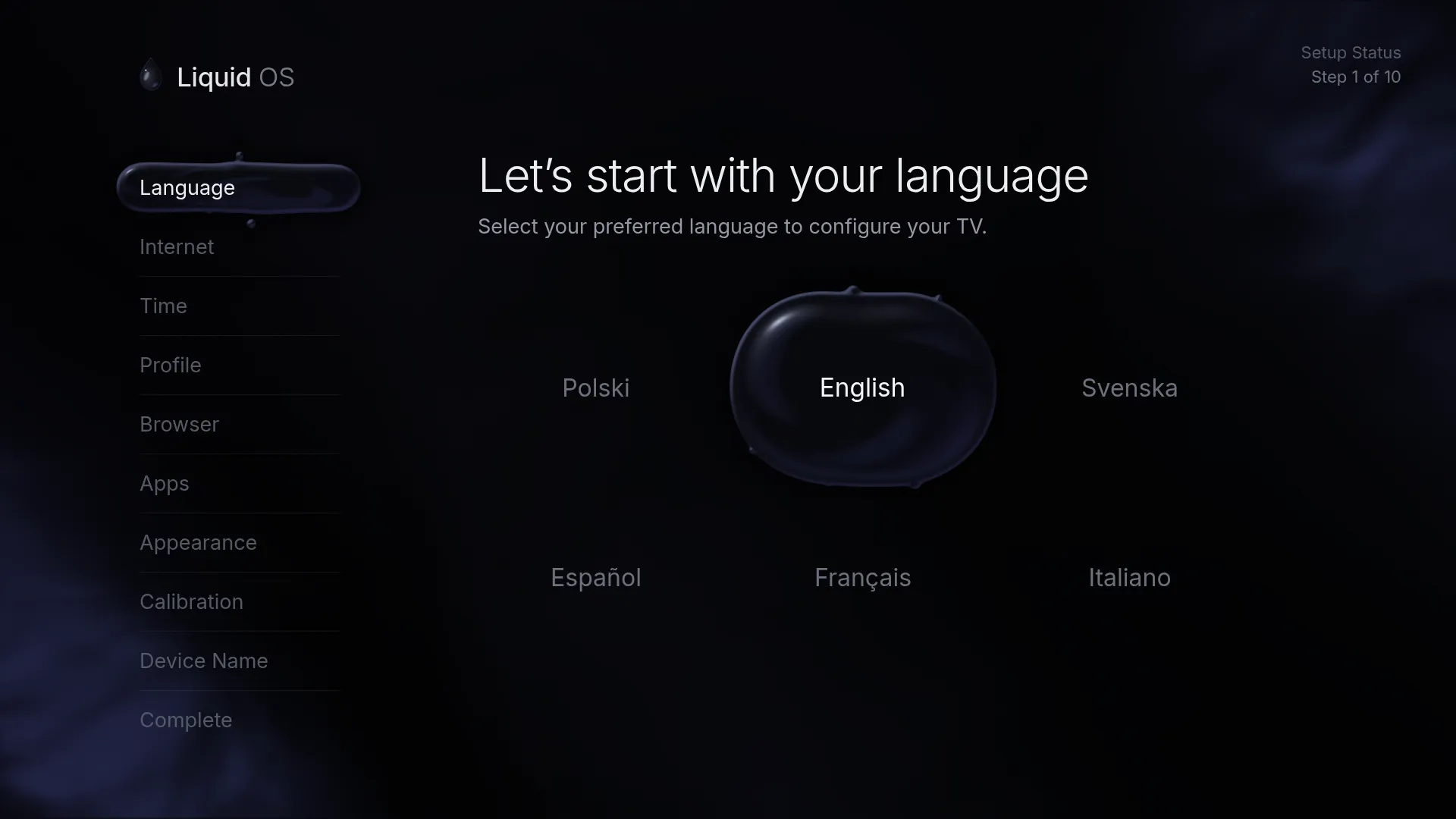
Polski, English, Svenska, Español, Français and Italiano.
Checked with ed25519 and SHA-256, and resumed if the download is interrupted.
F12 opens a performance overlay and a full terminal.
Under the glass
A stripped-down Arch Linux boots straight into a Wayland kiosk. The interface is HTML, CSS and WebGL drawn by WPE WebKit, and apps open full screen in Firefox or Chromium.
Install
Start from the USB stick and installing is the first screen. Your live settings come along, so the installed TV starts straight on the home screen.
Settings, profiles, Wi-Fi networks and sign-ins live on the data partition.
Download
Liquid OS —
—
No ISO yet — put one in the iso/ folder and run ./update-website.sh.
balenaEtcher, or Rufus in DD mode. On Linux:
sudo dd if=Liquid-OS.iso of=/dev/sdX bs=4M conv=fsync oflag=direct status=progressThe image isn't signed yet. It boots on UEFI and legacy BIOS computers.
Install comes first — or choose Not now and try it live.
Type Linux, Arch Linux (64-bit) — “Other/Unknown” makes a 32-bit machine that can't run it. 4 GB of memory and 2 CPUs or more, EFI or BIOS, Display: VMSVGA with 128 MB and 3D acceleration off (it's faster). Hold Shift while it starts for safe graphics or a recovery shell.
Early software. Tested in virtual machines and on an old laptop; HDMI sound and real IR/CEC remotes are still being verified.
Liquid OS is open source. Read the code, see what it's built on, and follow every bug report in the open.
Feedback / Bug report
Tell us — no account needed. Every report shows up under Reports, where you can follow what happens to it.
Reports
The bugs and ideas people sent, and what's happening with each one.
Open source
Its code — the interface, the boot animation, the installer and the build scripts — is open for anyone to read, build and improve. And it stands on the free software below.